



Download Kong – reaction gif, selfie gif, fun app, social media, animated gif, mobile app, share selfie, create reaction, personal gif, social app, fun tool
Overview
Kong is a mobile application designed to help users create and share animated reaction GIFs using selfie videos. Developed by Path, the creators of the private social network, Kong offers a simple, playful way to express emotions through personalized video clips transformed into GIFs. The app is ideal for casual users seeking a lighthearted method to communicate with friends via messaging platforms and social networks.
It solves the need for quick, expressive content in digital conversations, especially in informal or humorous contexts. Real-world usage scenarios include sharing reactions during group chats, adding flair to social media posts, or simply entertaining friends with spontaneous self-recordings. While the app is built around a social sharing model, it does not restrict users to Path’s ecosystem—GIFs can be exported and shared across multiple platforms, including Facebook Messenger, WhatsApp, and Google Hangouts.
The developer did not provide additional details about the app’s underlying architecture or target professional use cases. The experience is centered on immediacy and fun, making it suitable for users who enjoy spontaneous, visual self-expression.
Key Features & Capabilities
- Selfie Video Recording – Users record short video clips using their device’s front-facing camera, with a large circular button that displays elapsed time via a red ring. This design mirrors popular apps like Snapchat, enhancing familiarity and ease of use.
- Automatic GIF Conversion – Recorded videos are automatically converted into animated GIFs, preserving facial expressions and movements for instant sharing.
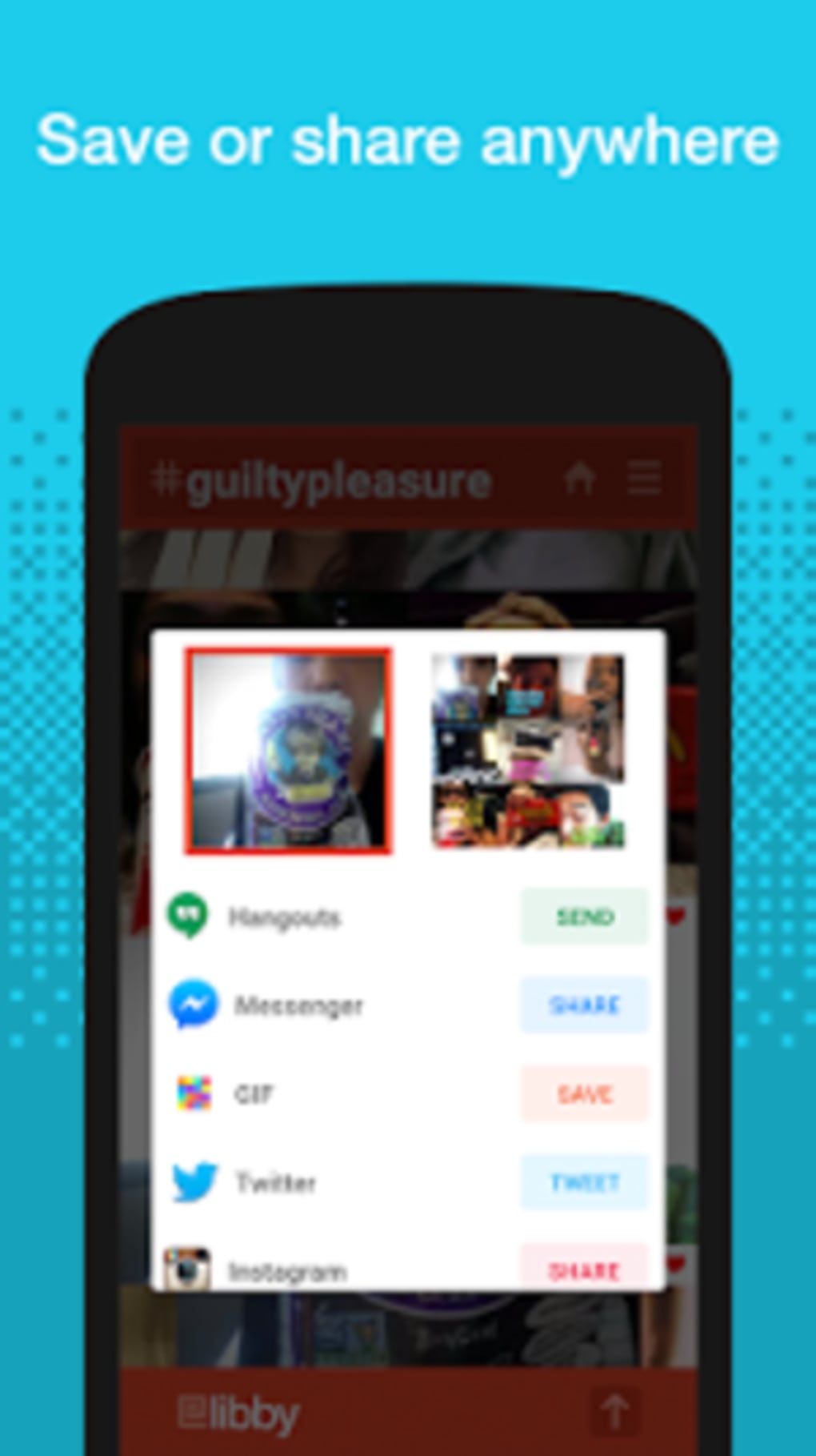
- Multi-Platform Sharing – GIFs can be shared directly with a variety of messaging and social apps, including Facebook Messenger, WhatsApp, and Google Hangouts, expanding reach beyond the app’s own network.
- Content Discovery – Users can browse GIFs created by others, organized by hashtags such as #mondays or other thematic categories, enabling exploration of user-generated content.
- Follow and Like System – Users can follow creators and like GIFs, fostering engagement within the community, though sharing others’ content is not currently supported.
These features support quick, expressive communication in digital environments. For example, a user might record a dramatic reaction to a surprise announcement and share it instantly in a group chat. Similarly, browsing trending hashtags allows users to stay engaged with community content, though the inability to share others’ creations limits viral potential. The app’s workflow emphasizes simplicity, reducing friction between creation and sharing. However, the lack of export options or third-party integration beyond the listed apps may restrict advanced use cases.
User Interface, Workflow & Performance
The user interface of Kong is minimal and intuitive, resembling the design language of Snapchat with a central recording button and swipe-based navigation. The layout prioritizes the recording function, making it easy for users to start and stop clips without complex menus. Navigation between personal content, browsing feeds, and profile settings is straightforward, relying on horizontal swiping and bottom navigation tabs.
The workflow is efficient for its intended purpose: record, convert, share. Users can quickly generate and distribute GIFs with minimal steps. Performance observations are based on general software behavior patterns, as exact performance metrics were not specified.
The app’s size is 45.8 MB, suggesting a lightweight footprint, which may contribute to smooth operation on compatible devices. The developer did not specify resource usage details, such as CPU or RAM consumption. Stability is implied by the app’s long-standing availability, though no formal reliability data was provided.
Overall, the interface supports rapid engagement, though the limited interactivity with shared content may reduce long-term usability.
Compatibility & System Requirements
Kong is designed for iOS devices, with a release version of 1.0. The installation size is 45.8 MB, indicating a compact download that should fit on most modern iPhones and iPads. The developer did not provide additional system requirements, such as minimum iOS version or hardware specifications.
Compatibility information was partially provided, leaving uncertainty about support for older or newer devices. The app’s functionality depends on access to the front-facing camera and microphone, which are standard on iOS devices. Without further details, users should ensure their device meets general iOS app requirements to avoid installation issues.
The app’s reliance on camera access may affect privacy settings, though no specific permissions were listed in the provided data.
Pros and Cons
Pros
- Simple, intuitive interface inspired by popular apps like Snapchat
- Fast creation and sharing of personalized animated GIFs
- Supports sharing across multiple messaging and social platforms
- Engaging content discovery through hashtag-based browsing
- Free to download and use with no upfront cost
Cons
- Cannot share other users’ GIFs—only view and like them
- Limited privacy controls for content visibility
- App functionality is restricted to iOS, with no cross-platform availability
- Content browsing may lead to extended, unproductive sessions
- No export options for GIFs outside of supported apps
FAQ Section
Is Kong available for Android?
Based on the provided information, Kong is only available for iOS devices. There is no indication of an Android version.
Can I share other users’ Kongs with my friends?
No, the app does not allow users to share GIFs created by others. You can only view, like, and follow content creators.
Is Kong safe to download and use?
Kong is developed by Path, a known company in the social tech space. As a free app, it requires access to the camera and microphone, which are standard for video recording. Users should review permissions in their device settings.
Does Kong require an internet connection?
While the app functions for recording and local conversion, sharing content requires an active internet connection. Browsing other users’ content also depends on network access.
How often does Kong receive updates?
The provided data does not include update frequency. Users should check the App Store for the latest version and release notes.
Final Thoughts + CTA
Kong delivers a fun, low-effort way to create and share animated selfie GIFs, making it a standout choice for users who enjoy playful digital expression. Its simple design, instant sharing capabilities, and integration with popular messaging apps enhance its usability. However, the inability to share others’ content and the lack of privacy controls are notable drawbacks.
The app excels as a casual tool for social interaction but falls short in long-term engagement and functionality. It’s best suited for individuals who value spontaneity and humor in their digital communications. Despite its limitations, Kong remains a unique and entertaining option in the mobile app space.
Download Kong now and start creating your own reaction GIFs today.






.png)
